02 Jan 2026
Five Steps to Port Your Vuforia Project to NoxSDK
By Atul Vasudev A : Director of Engineering,
In the industrial AR landscape of 2026, legacy systems like Vuforia have become the "technical debt" of the enterprise. While Vuforia provided the training wheels for early AR adoption, its closed ecosystem and heavy licensing fees—often referred to as the "Enterprise Tax"—now act as a ceiling for organizations aiming for true Spatial Intelligence.
For the "Brain" of the organization, the decision to migrate to NoxSDK isn't just a technical swap; it’s a strategic move to reclaim ROI and ensure sub-centimeter accuracy that legacy SLAM simply cannot sustain. If you are currently "drowning in tools that offer lagging indicators," this guide is your blueprint for moving from reactive panic to predictive power.
Step 1: The Environmental Audit (Applying the 32/45 Rule)
Before touching a single line of C# code, you must evaluate your existing environment's "Data Maturity." Legacy Vuforia projects often rely on high-contrast image targets or simplified Photogrammetry models that ignore the "noise" of a real-world factory floor.
The Strategy: NoxSDK utilizes a Scoring Engine to determine if an account or environment is scale-ready.
- Red Zone (<32): If your current Vuforia environment relies on markers that are frequently obscured or lighting that jitters, do not deploy yet. Nurture the environment first.
- Green Zone (≥32): Pursue the migration aggressively. These are environments where NoxSDK’s Hybrid SLAM will deliver immediate ±1cm precision.
Step 2: Decoupling Vuforia GameObjects
Vuforia’s architecture is "sticky." It intertwines its ARCamera and ObserverBehaviour scripts deeply into your Unity Hierarchy. Porting requires a clean surgical removal of these legacy components.
- Remove the ARCamera: Delete the Vuforia ARCamera prefab. In a NoxSDK environment, we leverage native ARCore/ARKit for the base motion tracking layer to ensure future-proof stability.
- Strip Observers: Remove ImageTargetBehaviour or ModelTargetBehaviour from your assets.
- Preserve the "Digital Twin": Keep your 3D FBX or Photogrammetry models. NoxSDK is entity-agnostic; it doesn't require you to re-upload your sensitive IP to a third-party cloud for "training" like Vuforia’s Model Target Generator.
Step 3: Initializing the NoxSDK Hybrid SLAM Layer
NoxSDK wins by relying on a Hybrid Architecture. We use the hardware-optimized SLAM of the device (ARKit/ARCore) but layer on a proprietary Orchestration Layer for industrial-grade stability.
Technical Execution: NoxVision finds native SLAM and camera within NoxSDK. This component automatically detects the underlying OS (iOS/Android) and initializes the optimal tracking parameters for 2026 hardware. Unlike Vuforia, which attempts to override native SLAM, NoxSDK augments it, reducing battery drain and thermal throttling on the factory floor.
Step 4: Asset Re-mapping (From "Targets" to "Semantic Entities")
Vuforia treats objects as "Targets"—static things to be found. NoxSDK treats them as Semantic Entities—dynamic assets with context.
- Migration Path: Convert your legacy ImageTargets into Nox_EntityAnchors.
- The Advantage: While Vuforia loses tracking if a target is 30% obscured, NoxSDK uses Bidirectional Probing. It analyzes the surrounding environment to maintain a "lock" on the entity even when the technician's hands block the view. This is critical for Manufacturing where hands-on work is constant.
Step 5: Validating the ±1cm Rule
The final step is the most critical: proving the ROI through precision. Legacy porting often results in "drift," where the overlay slides off the machine.
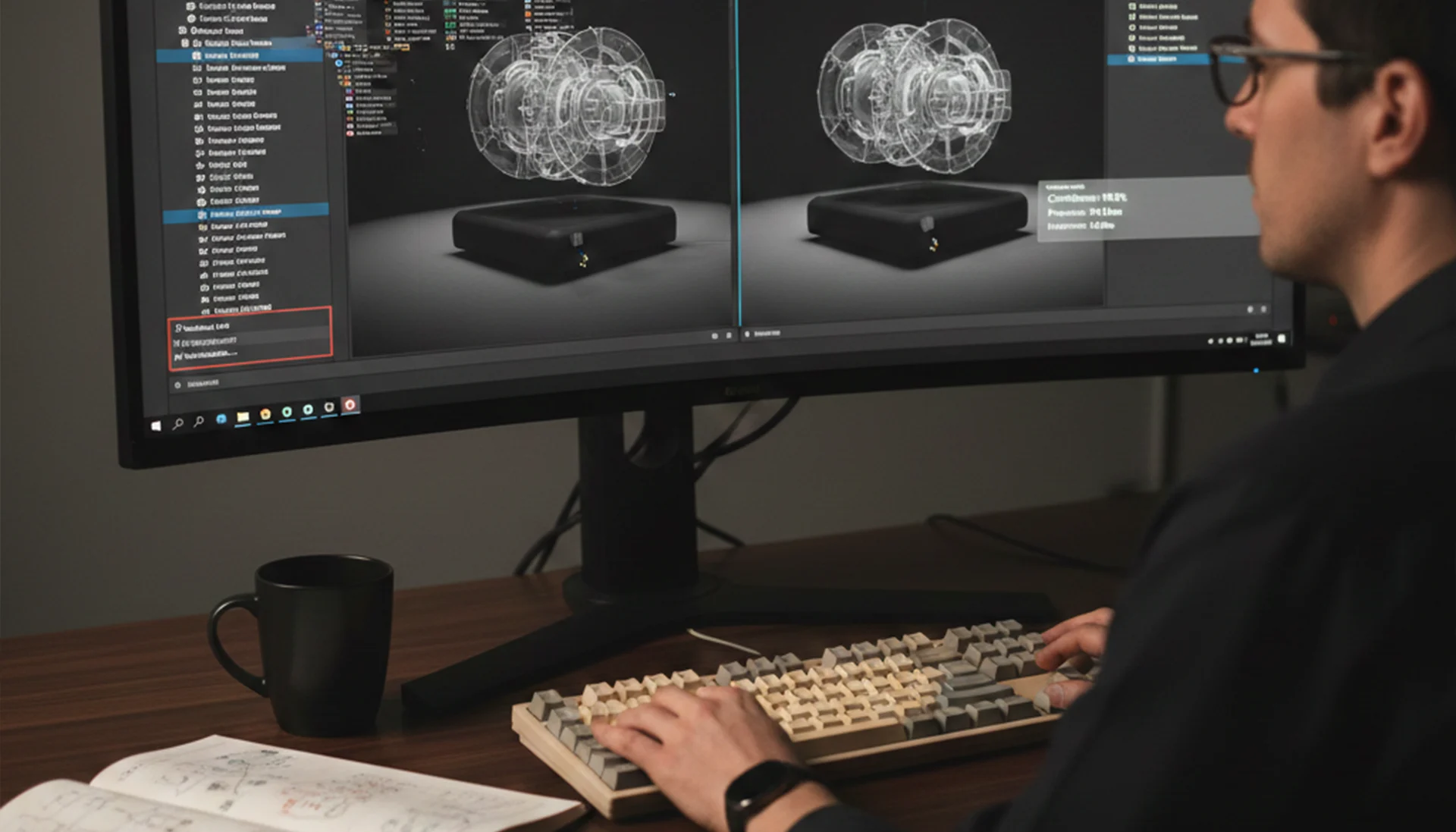
The Validation Protocol: Use the Nox_PrecisionMonitor tool in Unity's Play Mode. It benchmarks your port against the ±1cm Rule. If the virtual schematic for an HVAC repair drifts more than 10mm from the physical asset, the system will flag the "Data Maturity" as insufficient. This prevents the "First-Time Fix" errors that plague unoptimized AR deployments.